Try DLSS 5 online, without an RTX
DLSS 5 Neural Rendering only runs on NVIDIA RTX 40 and 50 cards. If you don't have one, the usual way to find out whether it is worth the money is to spend the money first. This page is the other way: send us a clip, and it runs on our cards.
Which GPUs run DLSS 5, and what works without one →Take a slotReal DLSS 5 comparisons, OFF and ON
Frames rendered on the site's shared GPUs and published by the people who made them. Same frame, same resolution: the only difference is DLSS 5.
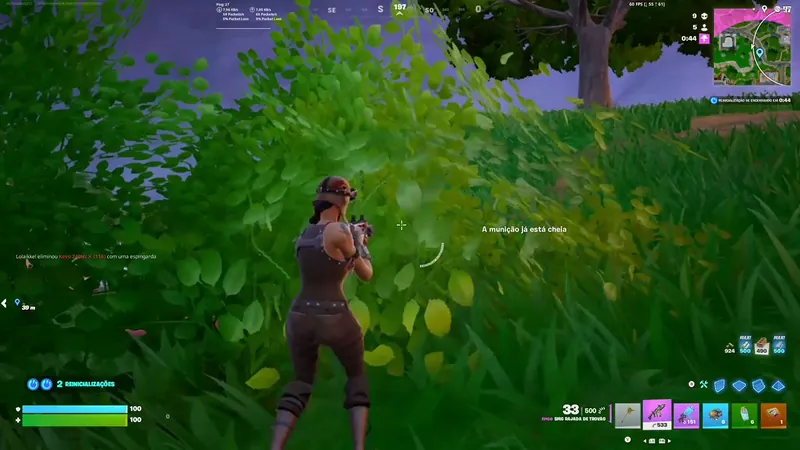 DLSS OFF
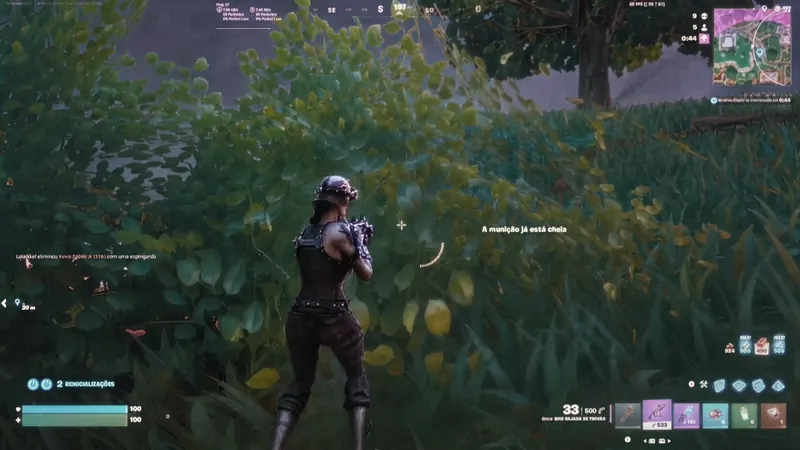 DLSS 5 ON
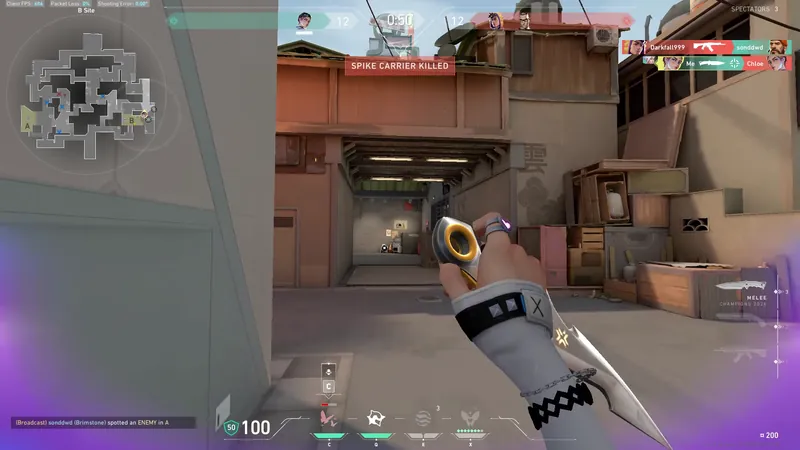 DLSS OFF
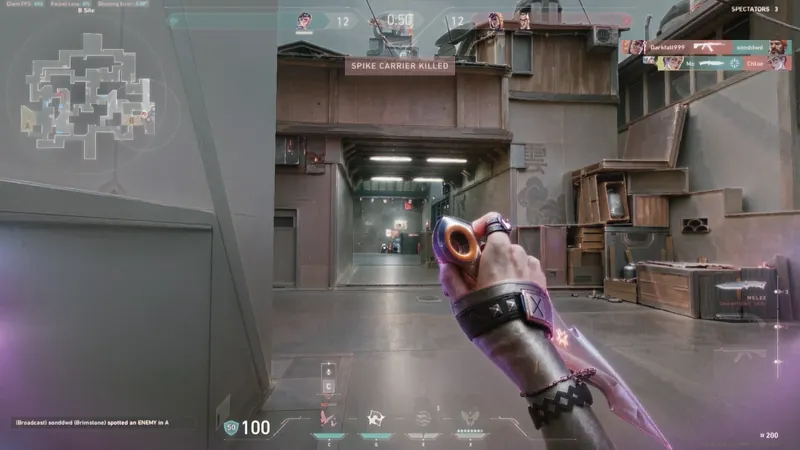 DLSS 5 ON
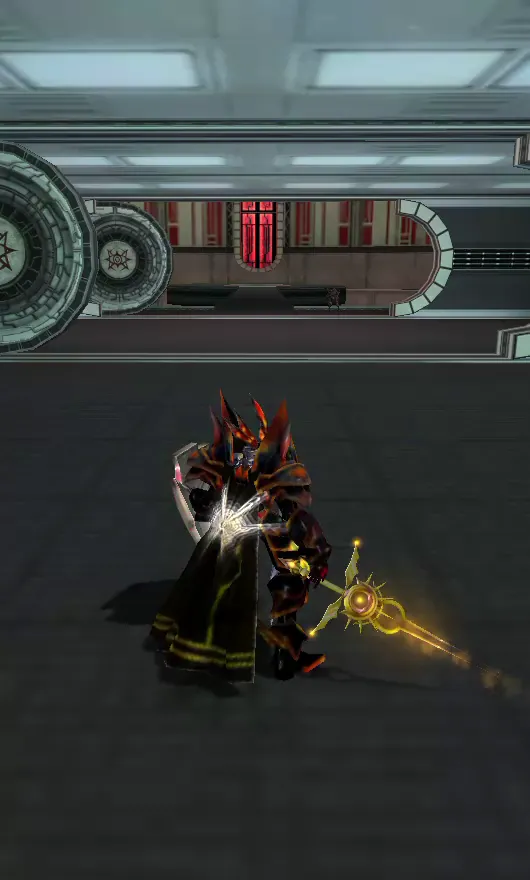 DLSS OFF
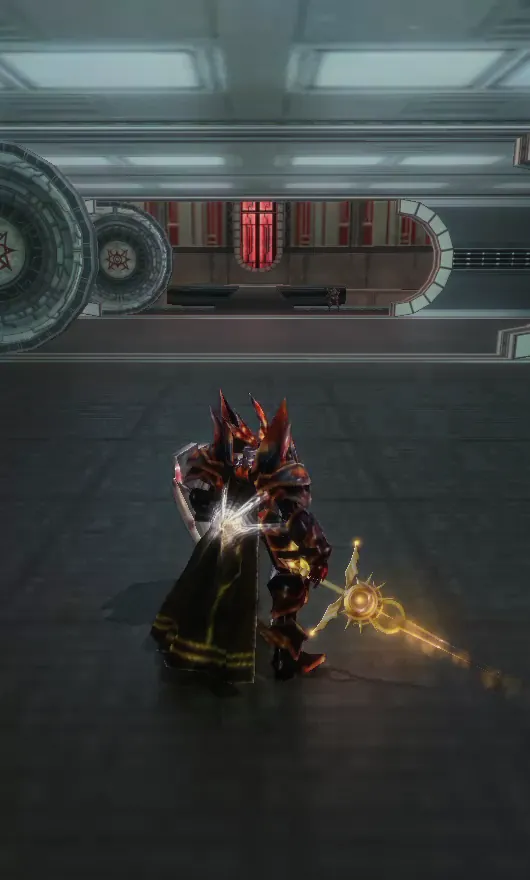 DLSS 5 ON
What you need
No. Integrated graphics, an old GTX, a Radeon, a Mac — the card that matters is ours.
No. It happens in the browser; nothing is downloaded to your machine except the file you export.
No. No email, no password, no sign-up. A slot is granted to a browser, not to a person.
No. The project is free and non-profit. Donations refill the community's frame reserve and pay the power bills; they unlock nothing for the donor.
What a slot looks like
You get a card for 180 seconds
One of our RTX GPUs is yours alone until the timer runs out. If they are all busy you queue, and the slot is handed to you automatically when one frees up.
Upload a clip or a screenshot
Up to 100 MB of video, or 20 MB of image. It goes to that machine's disk and nowhere else.
Pick a frame, move the sliders
Every preview is a real render of that one frame, a few seconds each, free from the community's base of frames. That is the part you cannot do by reading a review.
Export, then it is gone
Download the result with its render report. When the slot expires the machine deletes your material — that is the whole retention policy.
How much capacity there actually is
Small, and worth saying out loud before you click: these are physical machines in a room, and the count above is what is free right now. When the slots are taken, the queue is real and it moves at the speed of other people finishing. Refreshing does not move you up it.
What this is not
It is not a filter that looks a bit like DLSS, and it is not an emulation. Your frames go through nvngx_dlss 5.x on an RTX 40/50, and every render hands back a report declaring that feature 18 ran. If you want to see the pipeline step by step, that is a page of its own.
The questions people actually ask
I have a GTX 1060 / an AMD card / a MacBook. Will it work?
Yes. Nothing runs on your hardware: your browser uploads a file and downloads a result. Any machine that can play a video can do this.
Do I have to install a driver, a mod or ReShade?
No. There is nothing to install and nothing to configure on your side, and the site is not affiliated with ReShade or RenoDX.
Can I do it from my phone?
Yes, the site works on a phone. Uploading a 100 MB clip over mobile data inside a 180-second slot is the part that tends not to work, so start with something short.
What can I fit into 180 seconds?
Comfortably: a handful of single-frame previews to find parameters you like, then one short export. The export estimate is shown before it starts, and the trim handles let you cut the clip down to the seconds you care about.
Is this official, or endorsed by NVIDIA?
Neither. It is a free educational project that runs NVIDIA's runtime on cards it owns. DLSS is a trademark of NVIDIA Corporation.
Take a slot
180 seconds on a real RTX, no sign-up, nothing installed.
Or look at what other people got out of it →